One platform.
Three layers
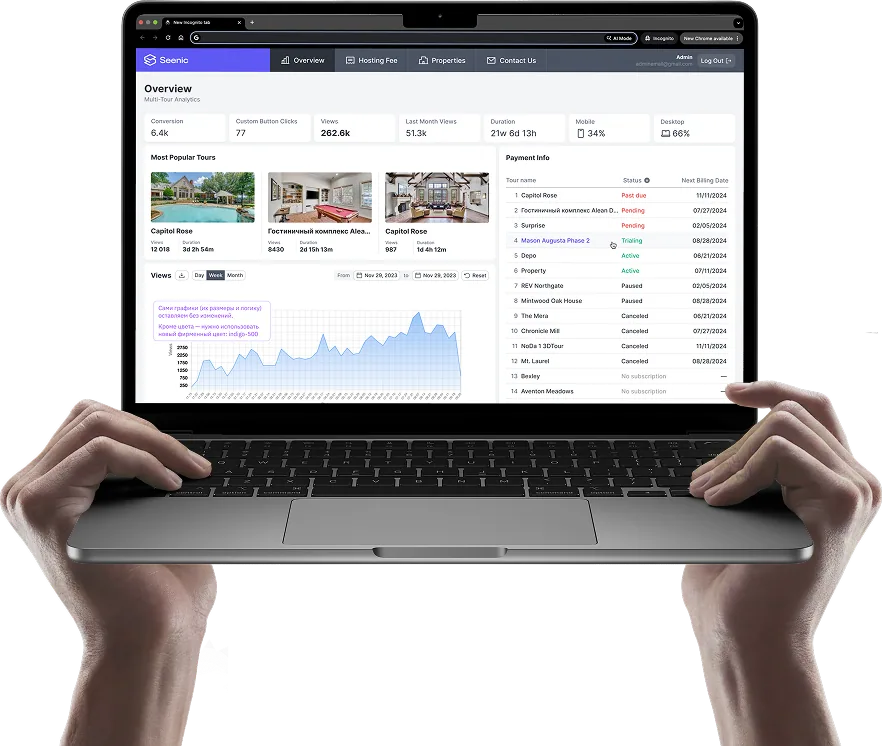
Seenic Analytics
Every unit, tour, and click — measured, per property and across the portfolio.
3D Explorer
3D overview, Site map, Neighborhood, Amenity tours, Apartment cards.
Public API
Embed any module, pull structured data, or build on your own stack.
Built around how leasing actually works.
Built for remote leasing.
Give prospects enough context to understand a property from anywhere.
- Interactive 3D, virtual tours, unit-level photos, video, 360° balcony views and floor plans
- Every tour is manually edited and human-reviewed before it goes live.
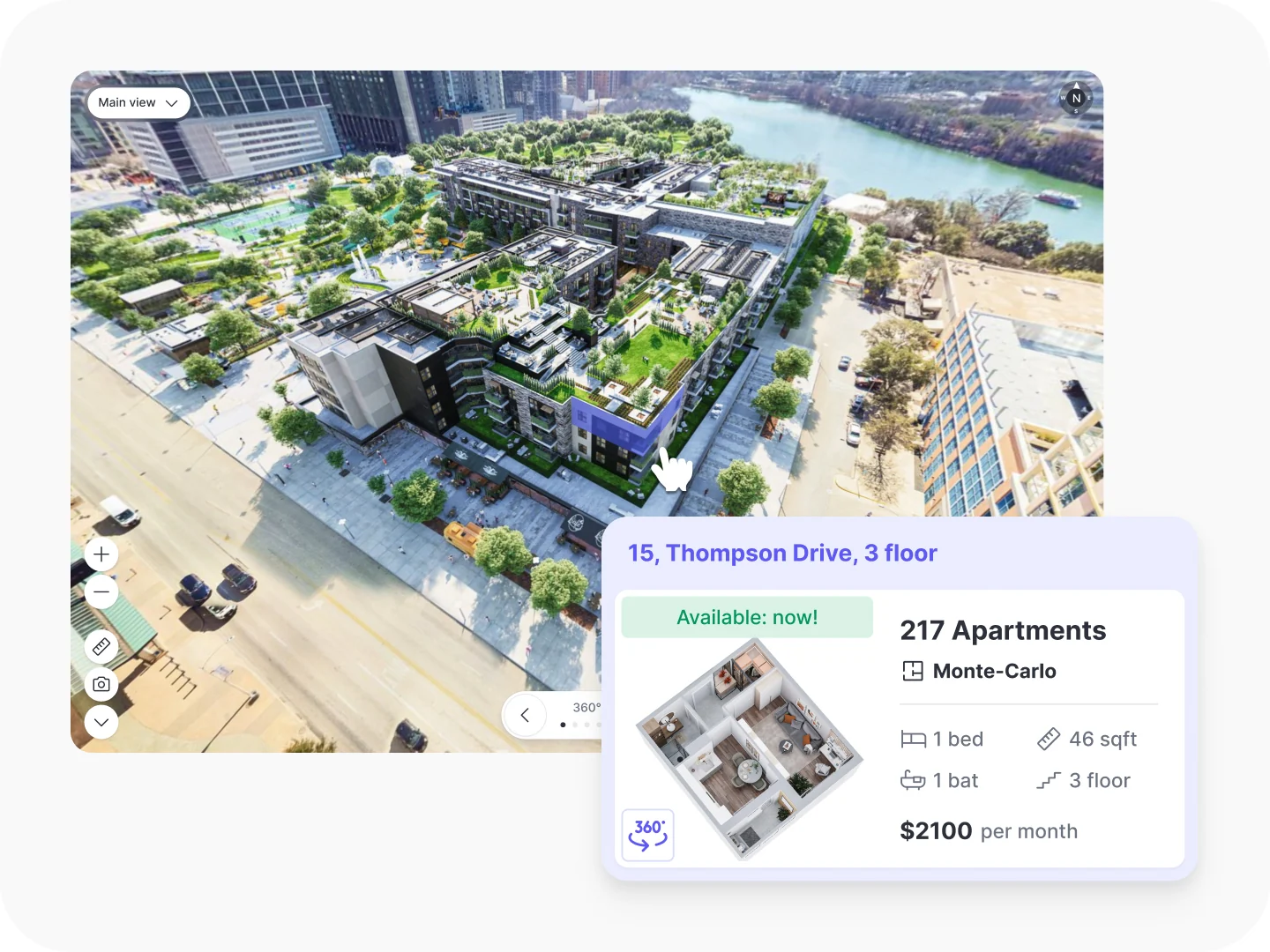
- Apartment Cards bring the full unit story together — 3D plan, photos, video, tour, details
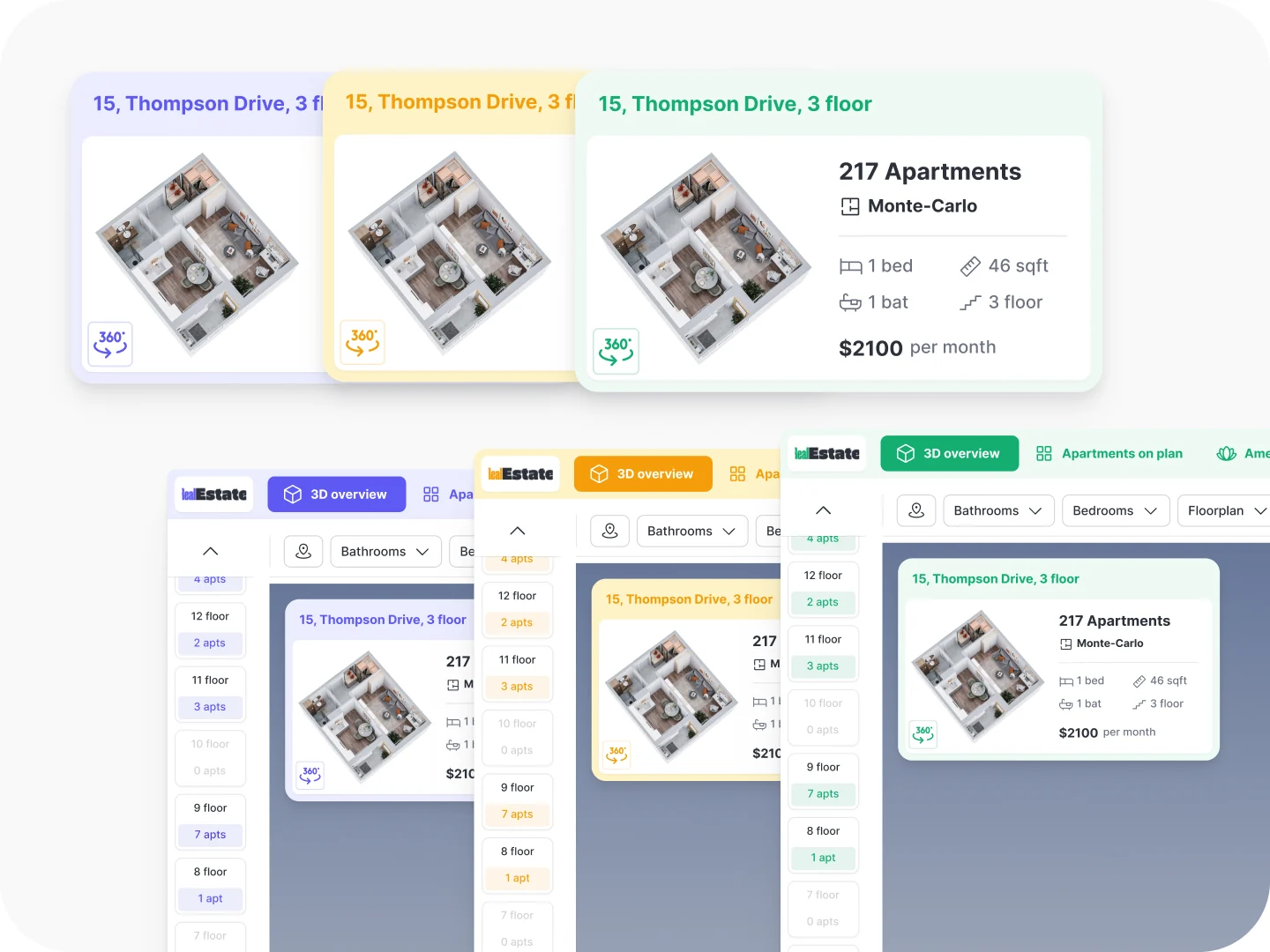
Custom to your brand.
Seenic should feel like part of your property, not another piece of software.
- Full white-label across 3D Explorer and the Seenic tour player — logos, colors, UI
- Nine floor plan template styles, plus fully custom options
- Embedded on your website. Your visual identity, end-to-end
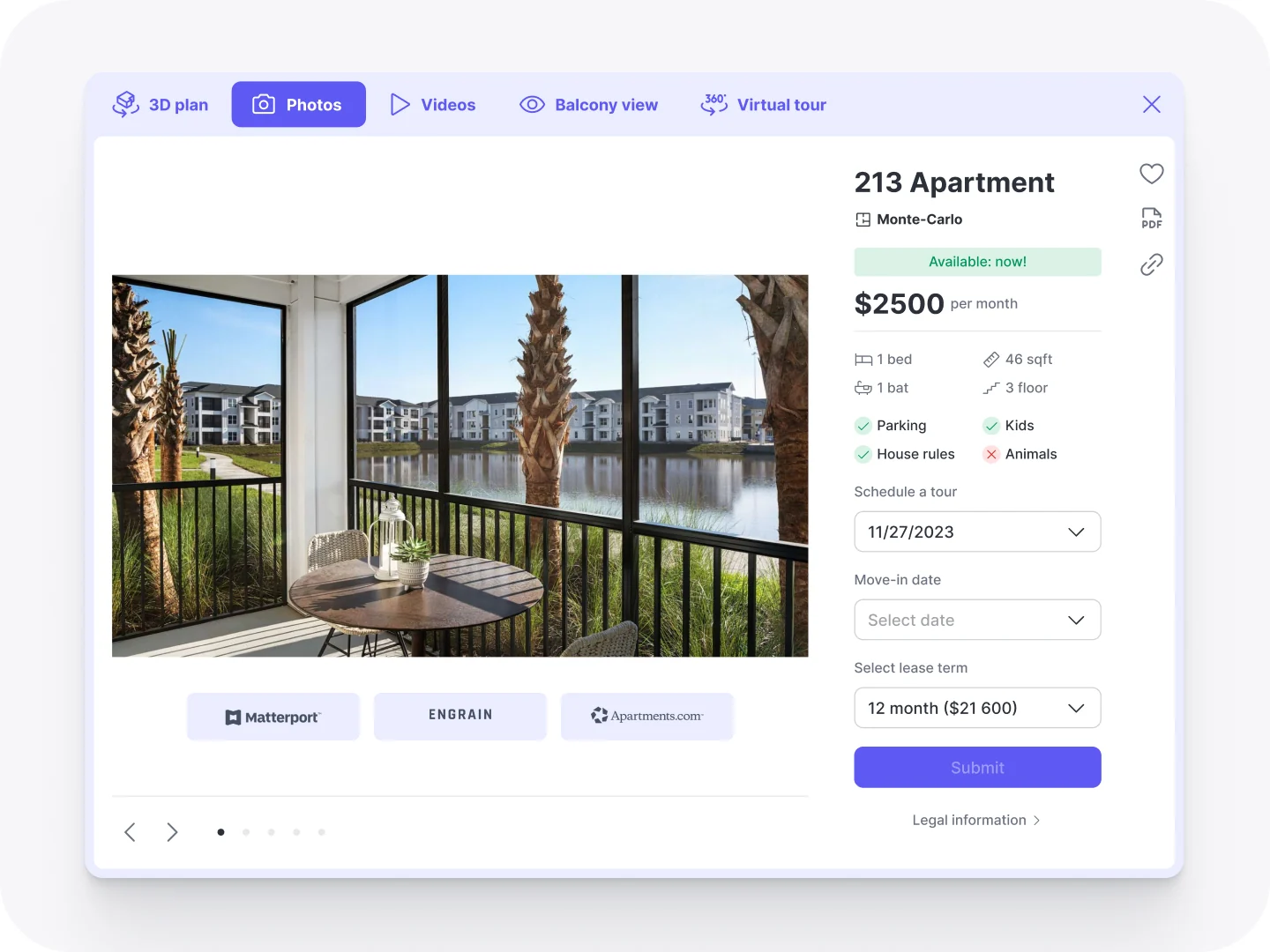
Built to fit your stack.
Keep the tools that already work for you. Seenic connects around them without locking you into a new ecosystem.
- Works alongside Engrain, Pynwheel, Beans, or Yardi's interactive site map
- Embeds in any website via iFrame or public API
- Feeds engagement data into your existing GA4 — not a replacement for your analytics
One application.
The whole community.
From the first look at the property to an individual apartment, 3D Explorer keeps the entire journey in one branded experience.
3D Overview
Fly the building and grounds in interactive 3D.
Interactive site map
What's available, powered by your site-map vendor.
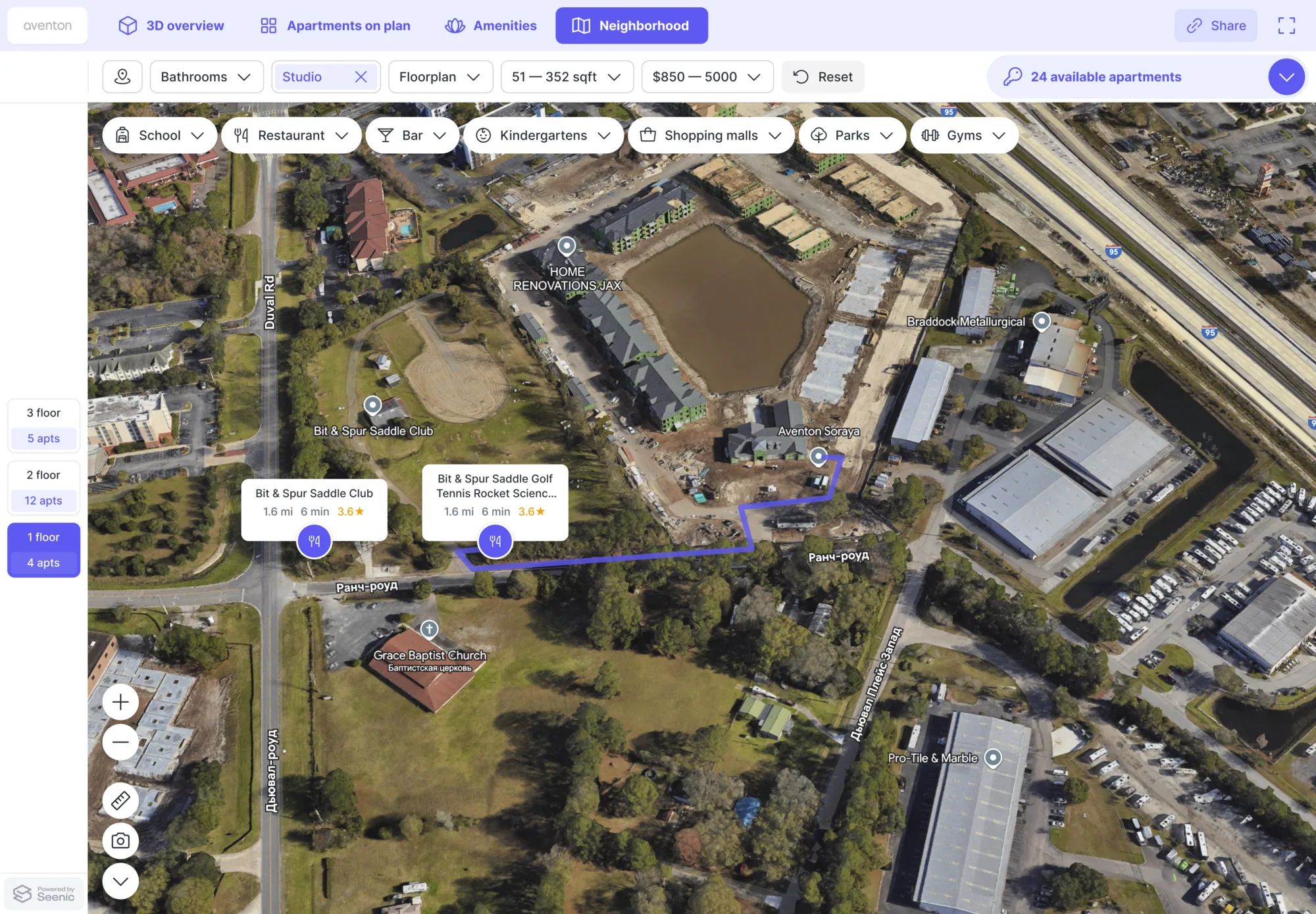
Neighborhood map
Schools, transit, dining, the commute.
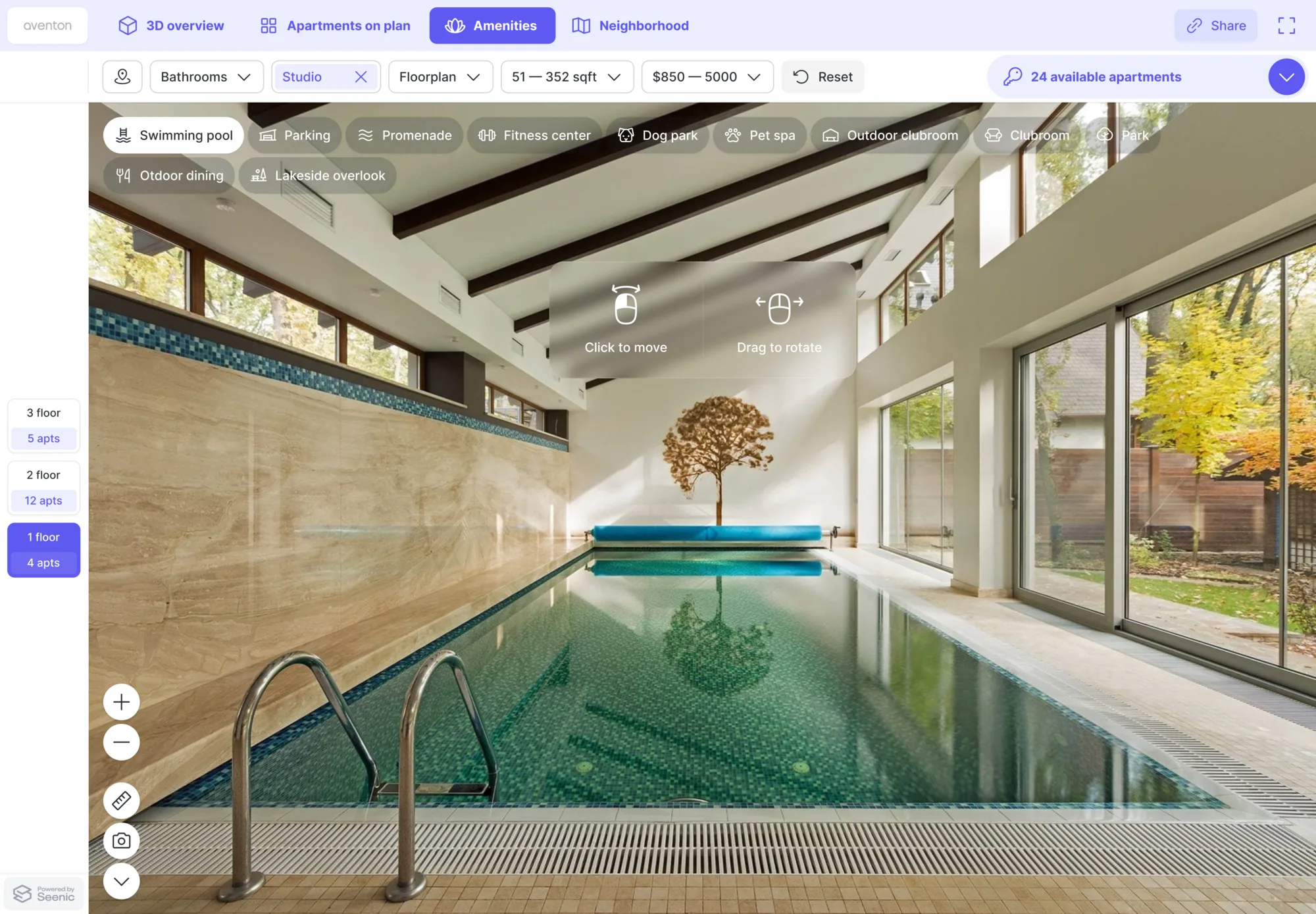
Amenity & space tours
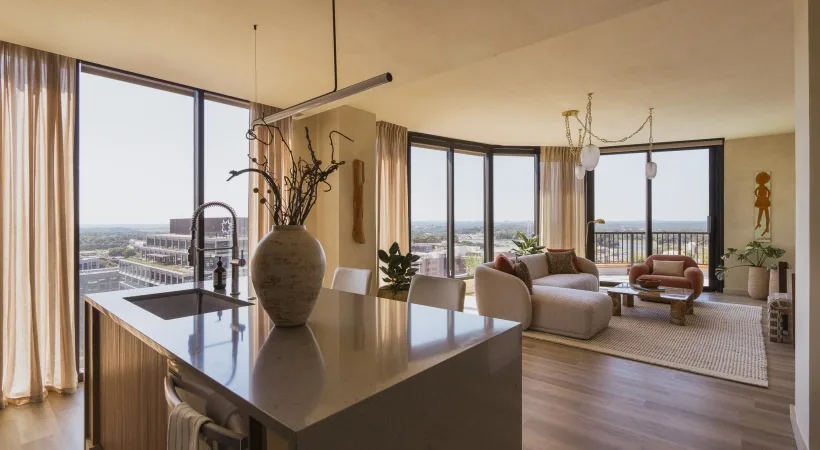
Step inside the rooftop, lobby, pool, clubroom.
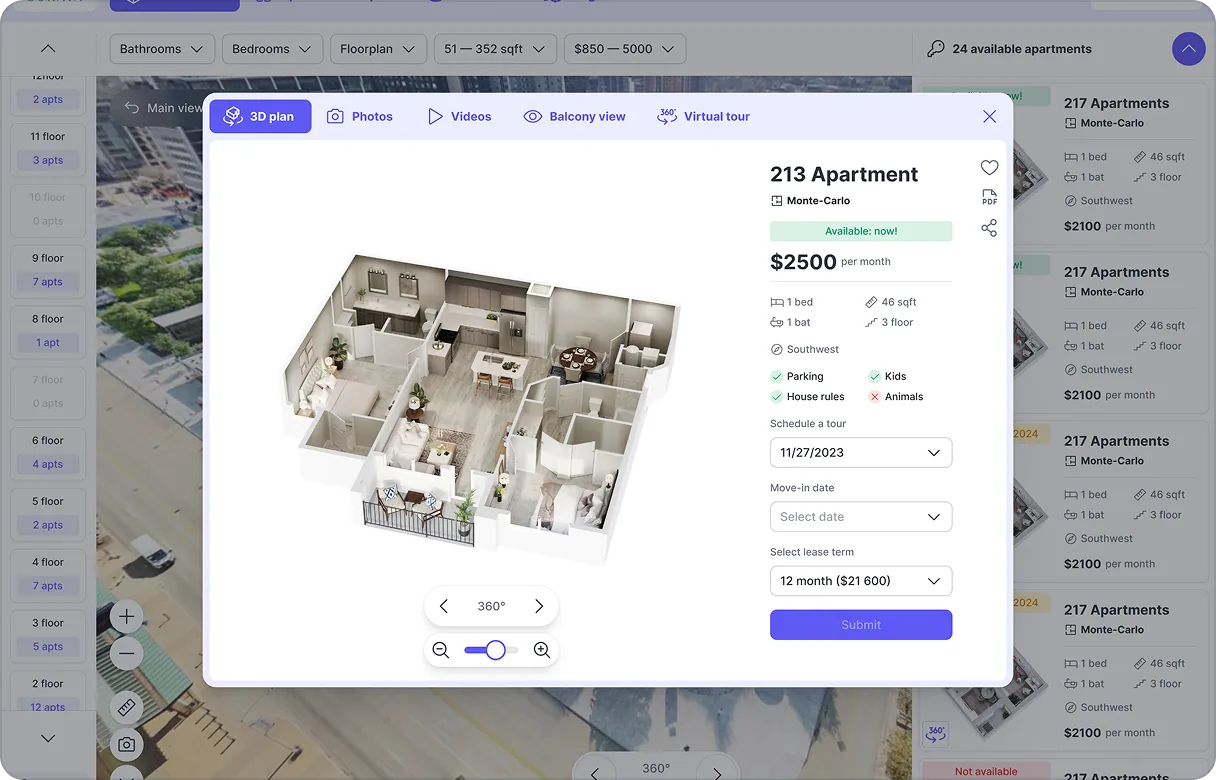
Apartment cards
Open any unit: layout, finishes, the tour, what's open.
Five modules. One canvas.
The full community, before they ever book.
Inside 3D Explorer, module by module.
Five connected ways to explore - from the full property down to the unit.
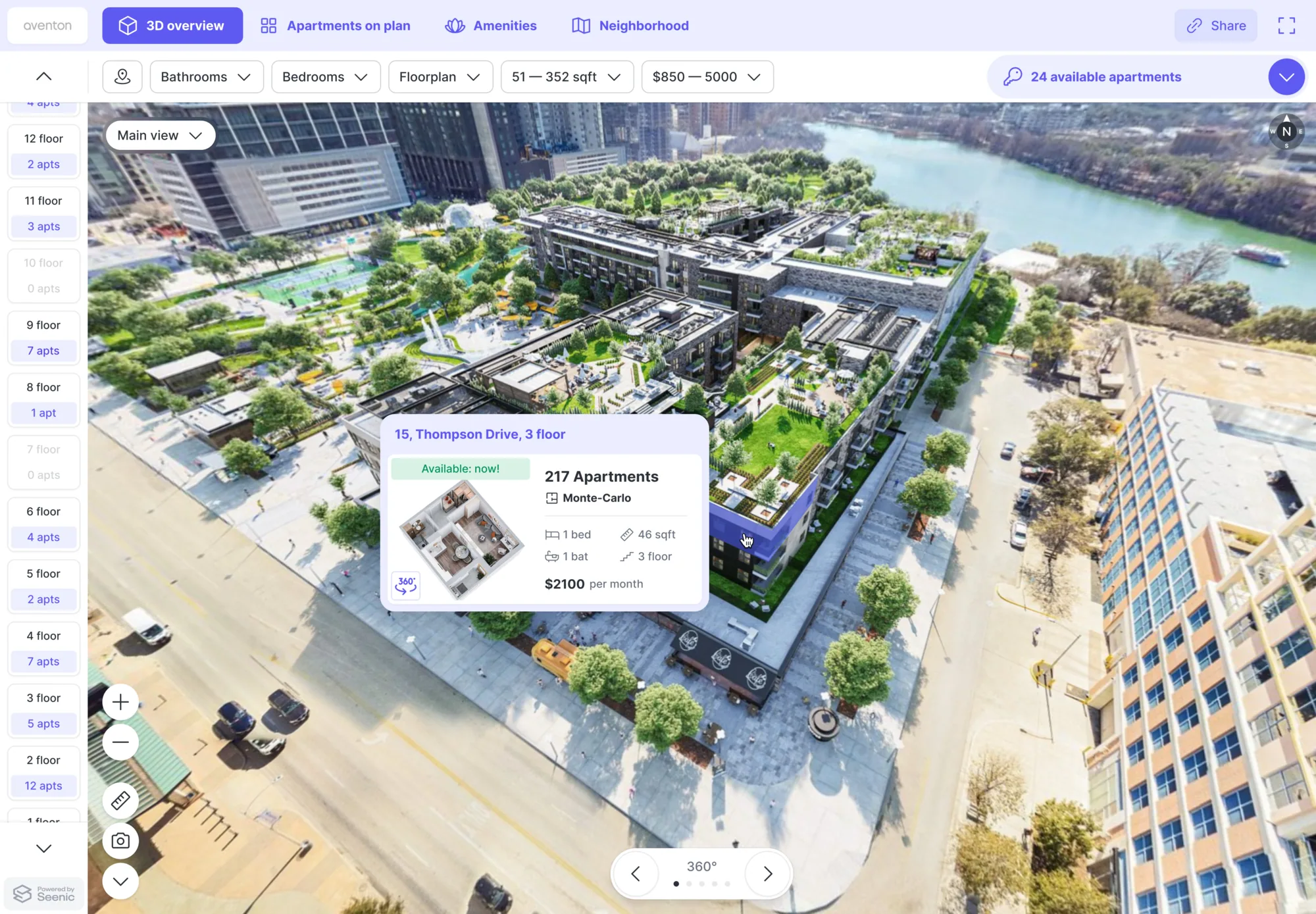
Fly the whole community in interactive 3D.
A drone-captured 3D model of the real property. Orbit the buildings, watch available units light up from your PMS, and filter by bedrooms, floor plan, size, or price.
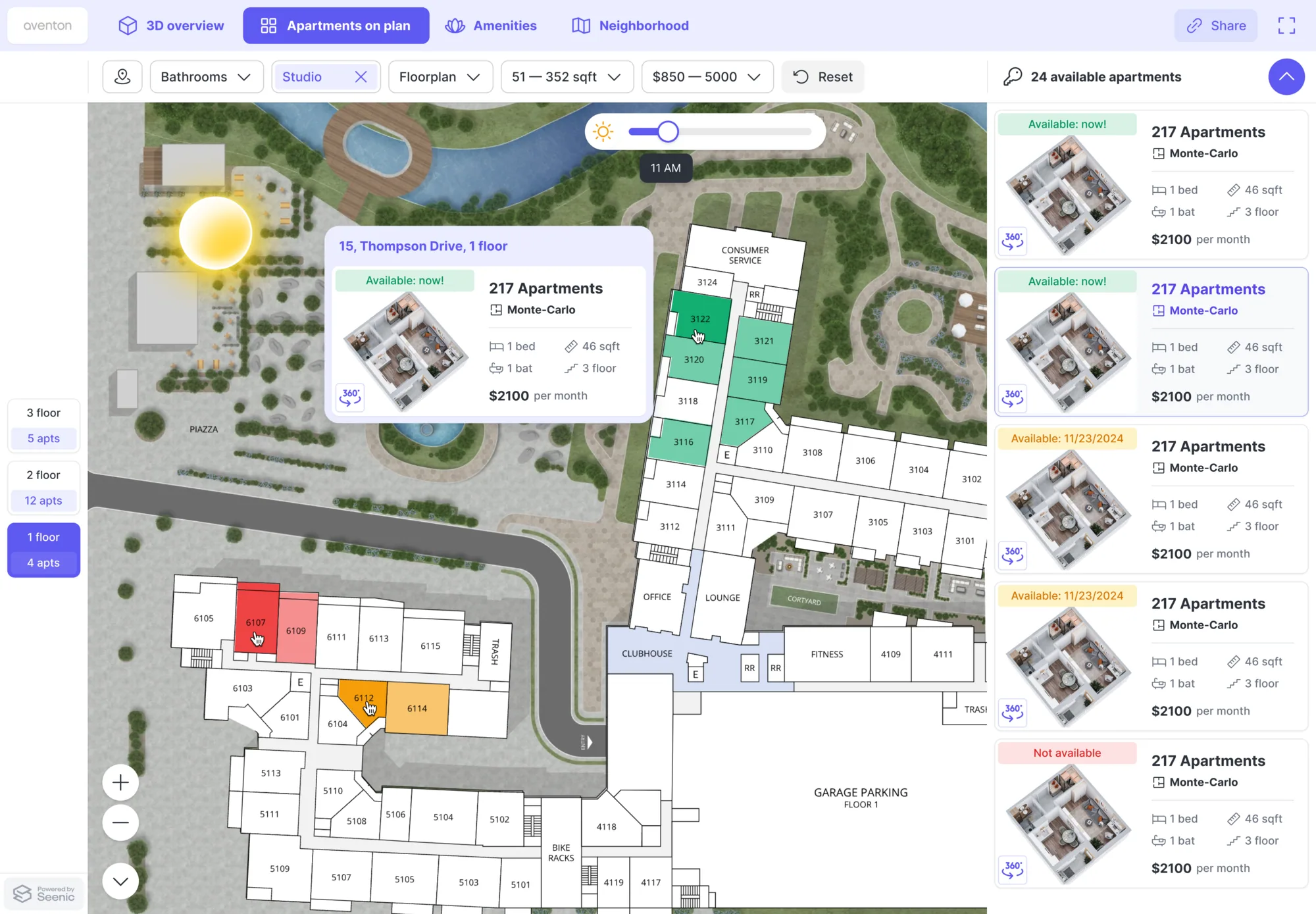
See what’s available, right where it lives.
Real-time availability, clickable buildings and units, and a sun-path simulation - powered by the site-map vendor you choose. Your map stays the map of record.
The location, not just the building.
A Google Maps integration in your brand colors — dining, schools, transit, and services with live distances and ratings, plus your own points of interest.
Step inside every shared space.
Human-reviewed 360° walkthroughs of every shared space, pulled through from your existing tour setup — straight from the aerial view into any amenity.
The full unit story, in one place.
Floor plan, dimensions, finishes, and live pricing and availability from your PMS. Prospects can explore the virtual tour, check the balcony view, choose a move-in date, and apply when they’re ready.

Two capabilities built into every Seenic deployment
Seenic Analytics
See what prospects explore across units, floor plans, and amenities - all in one place. Seenic Analytics also feeds your GA4, so your existing reporting stays intact.
Public APIs
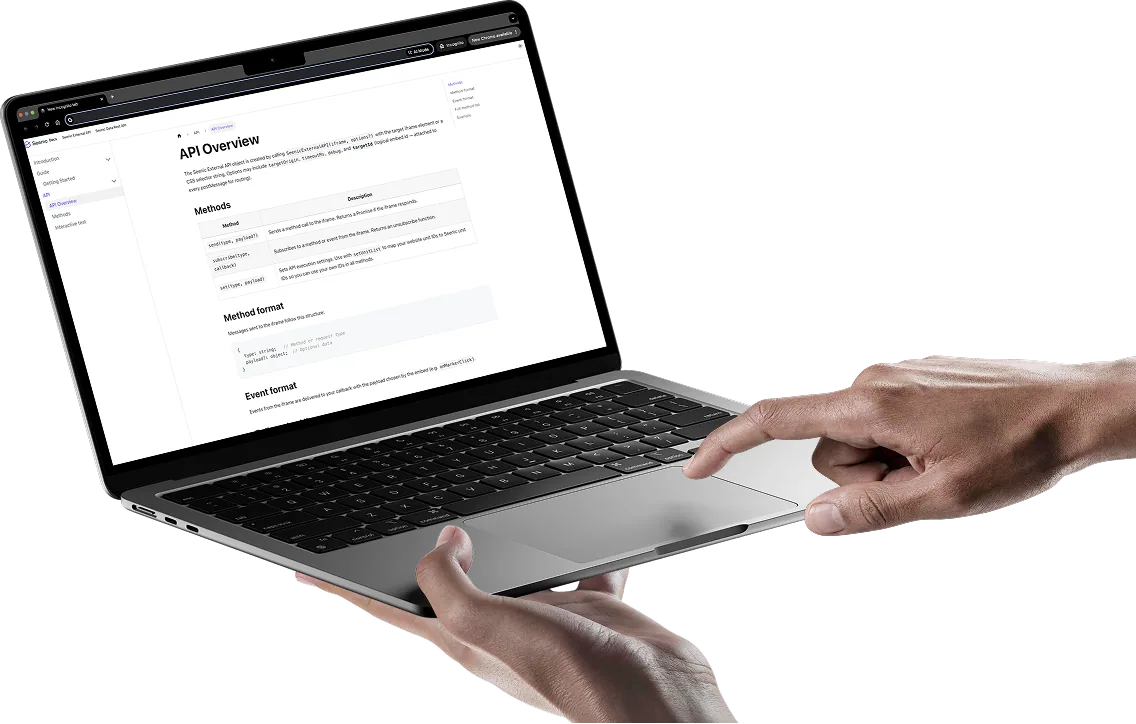
Bring Seenic into the experience you already have. Use the API or embeddable Player to connect Seenic with your site, systems, and structured data.
Real communities, running on Seenic.